15 free resume templates to download as PDF
All of them fill themselves in from your LinkedIn PDF (or by hand), take your colour and font, and download as PDF or Word without watermark or sign-up. The green shield marks the ones ATS filters read well; the camera, the ones that take a photo.
 Use this template
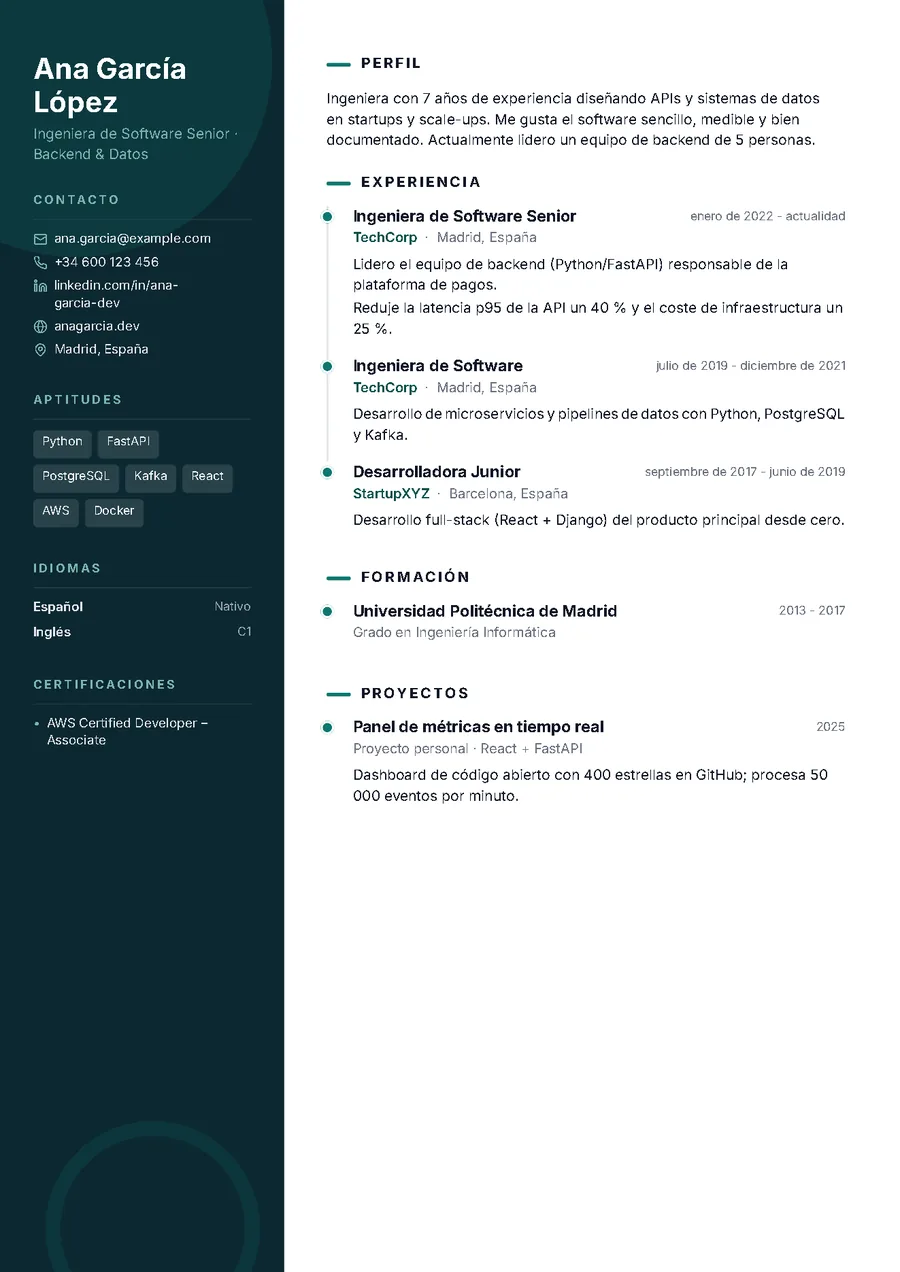
 Aurora
PhotoDark sidebar, photo and timeline. The most visual.
Ideal for: Creative, sales and hospitality profiles; when a person reads the CV.
 Use this template
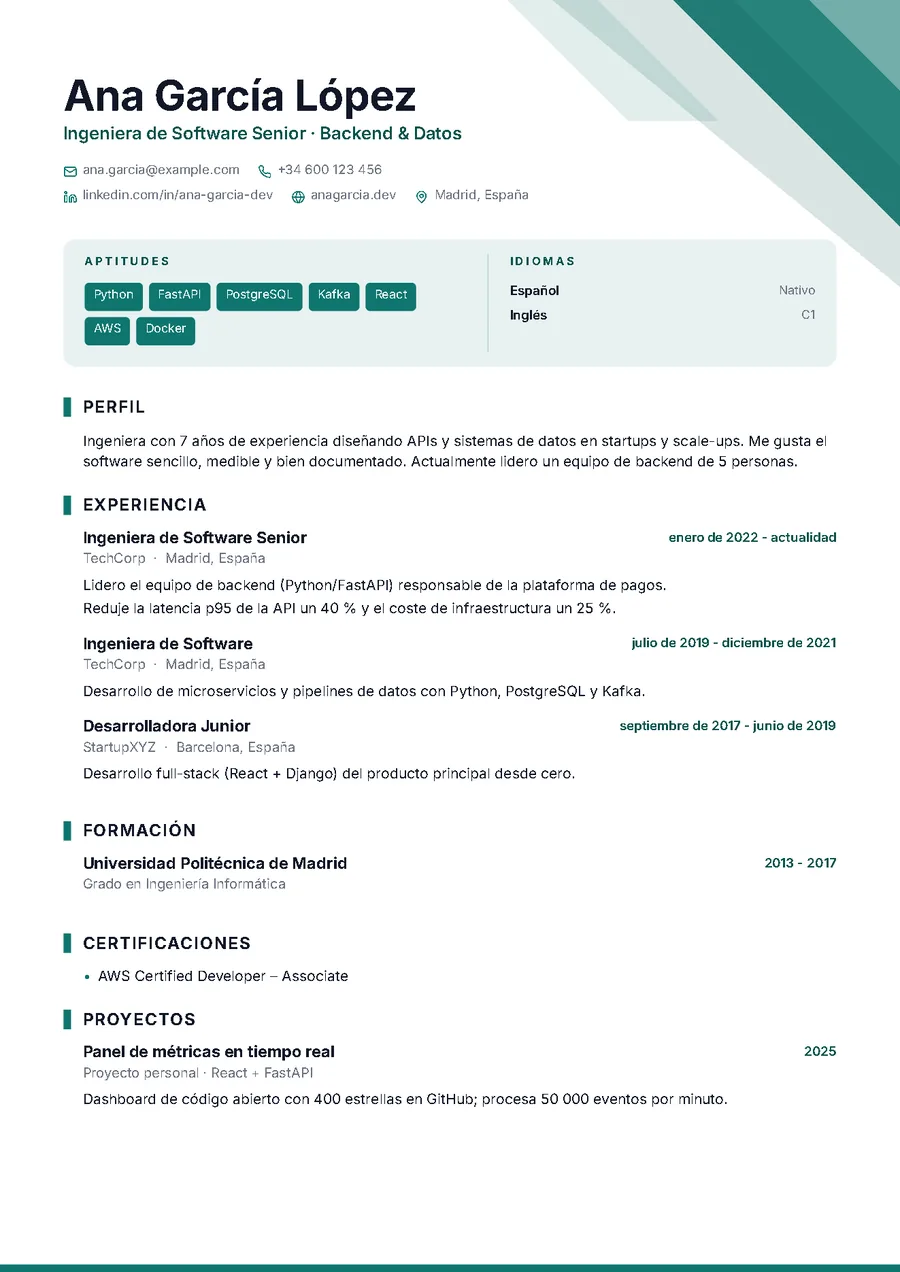
 Prisma
ATS PhotoGeometric shapes, a skills band and a single column. Modern and ATS-friendly.
Ideal for: Marketing, design, tech and anyone who wants to stand out without risk.
 Use this template
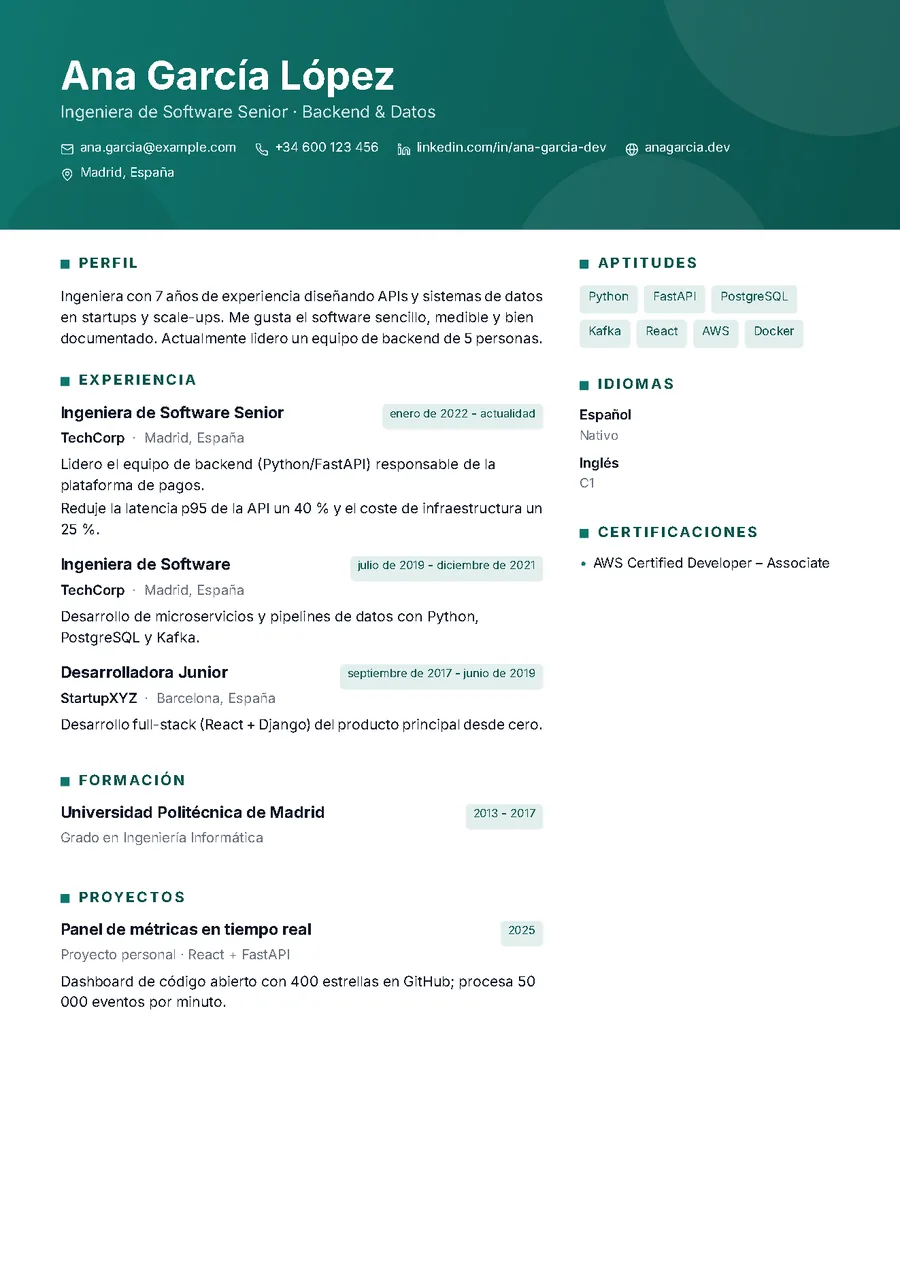
 Horizonte
ATS PhotoGradient header and two columns. Modern and ATS-readable.
Ideal for: Office, healthcare and technical profiles with many skills.
 Use this template
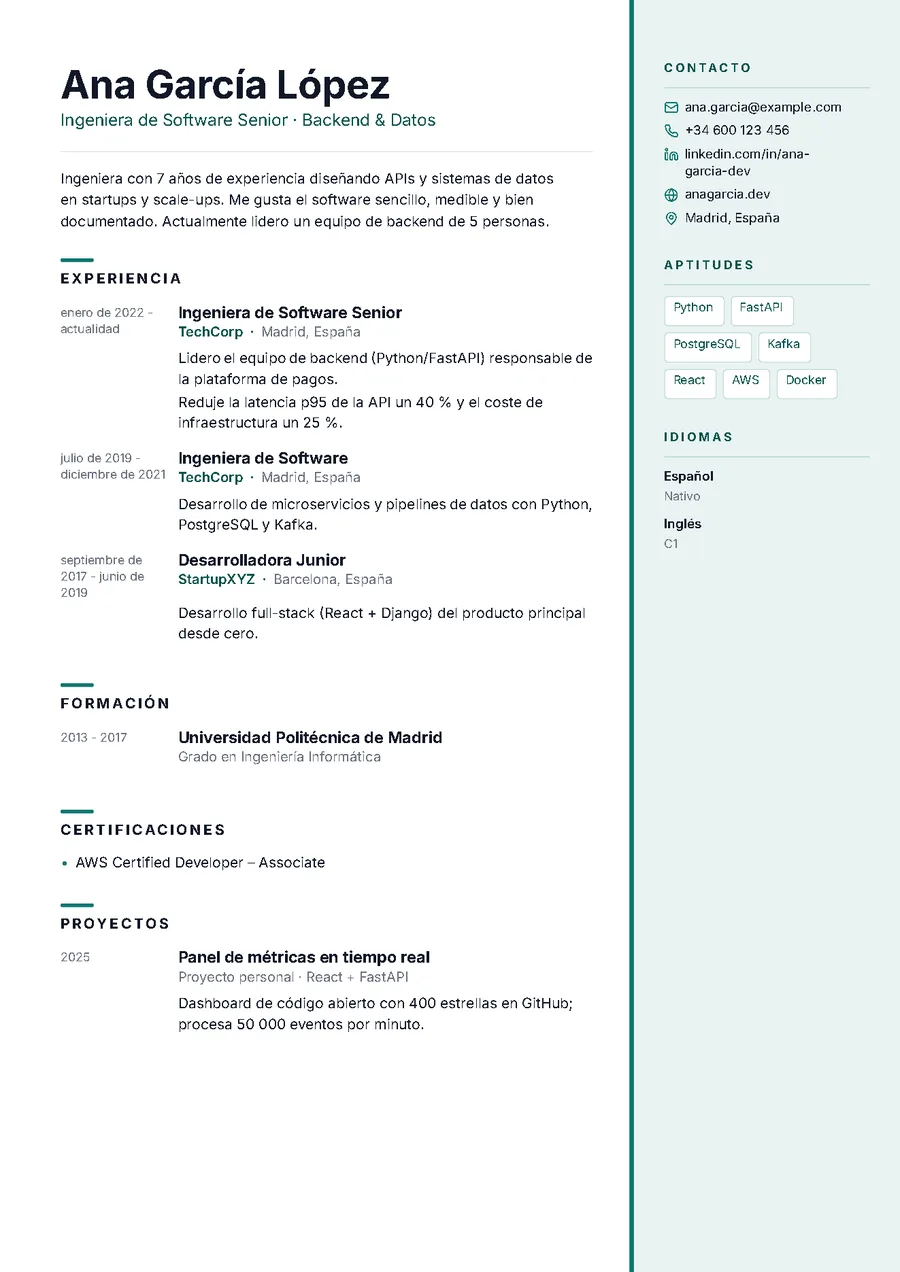
 Atlas
ATS PhotoLight sidebar on the right and dates in the margin, like an index.
Ideal for: Long careers: readable at a glance thanks to the dates.
 Use this template
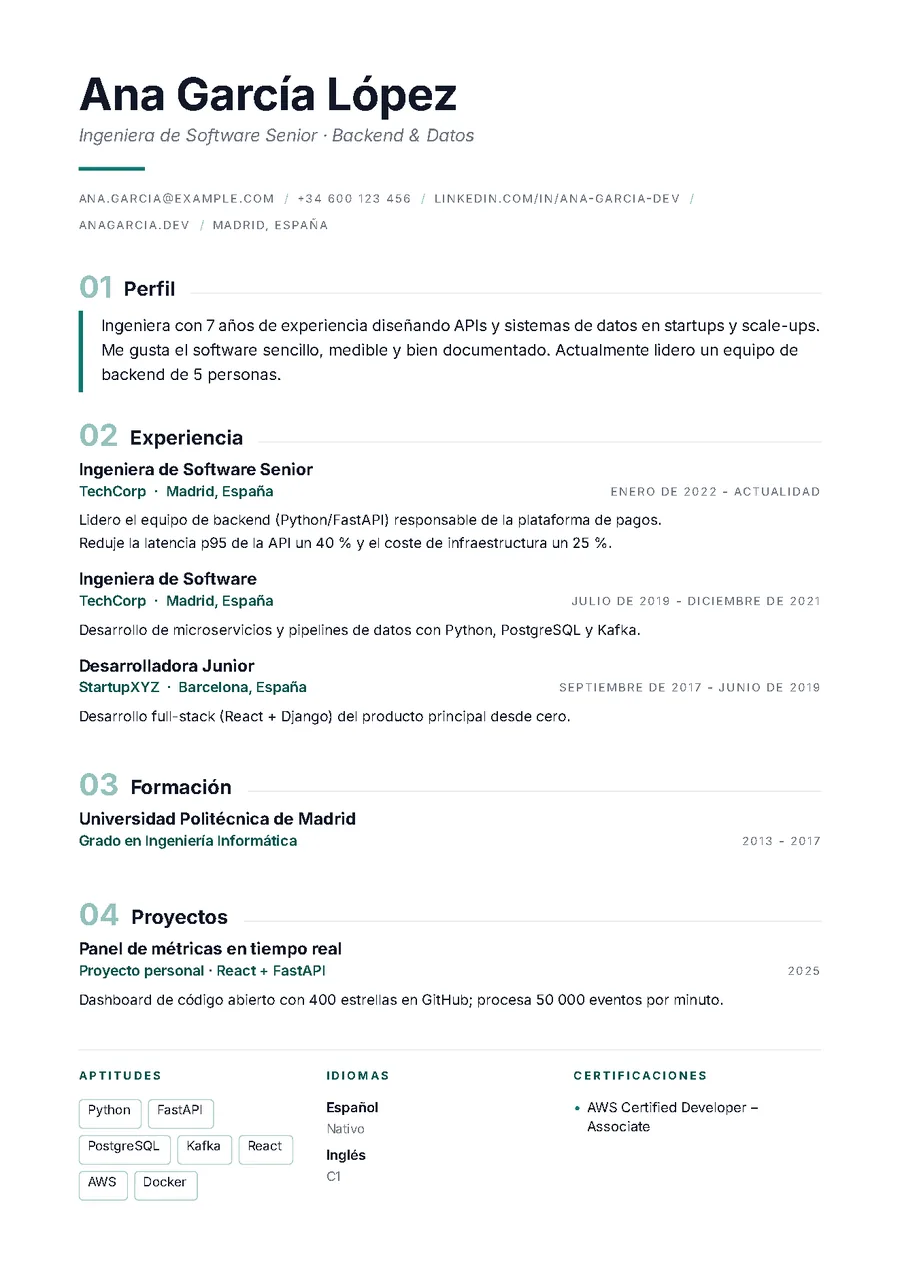
 Editorial
ATS PhotoBig serif name, numbered sections, magazine feel.
Ideal for: Communication, education, culture and management roles.
 Use this template
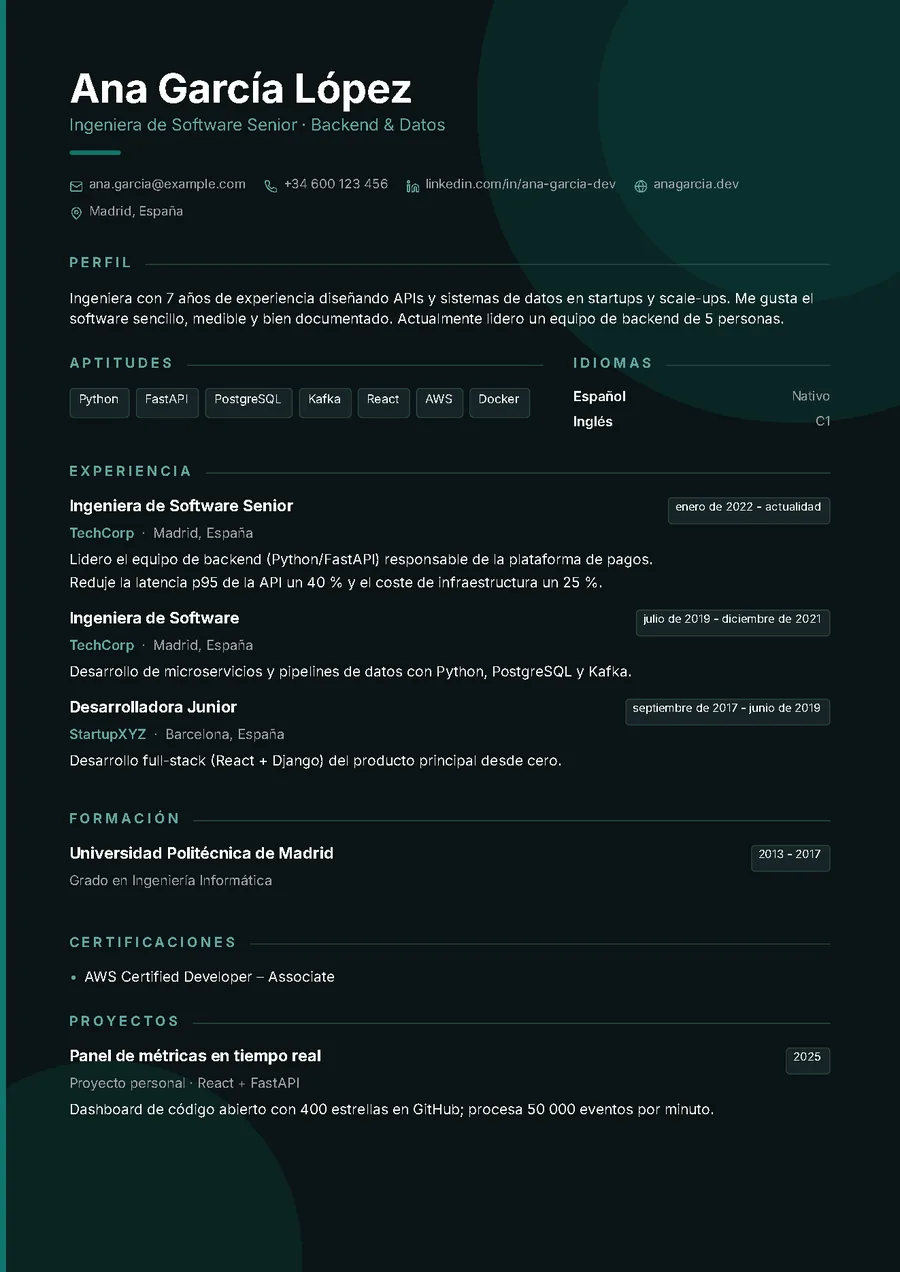
 Noir
ATS PhotoDark page tinted with your colour and glowing details. For digital delivery.
Ideal for: Tech, design, audiovisual. Better not to print it.
 Use this template
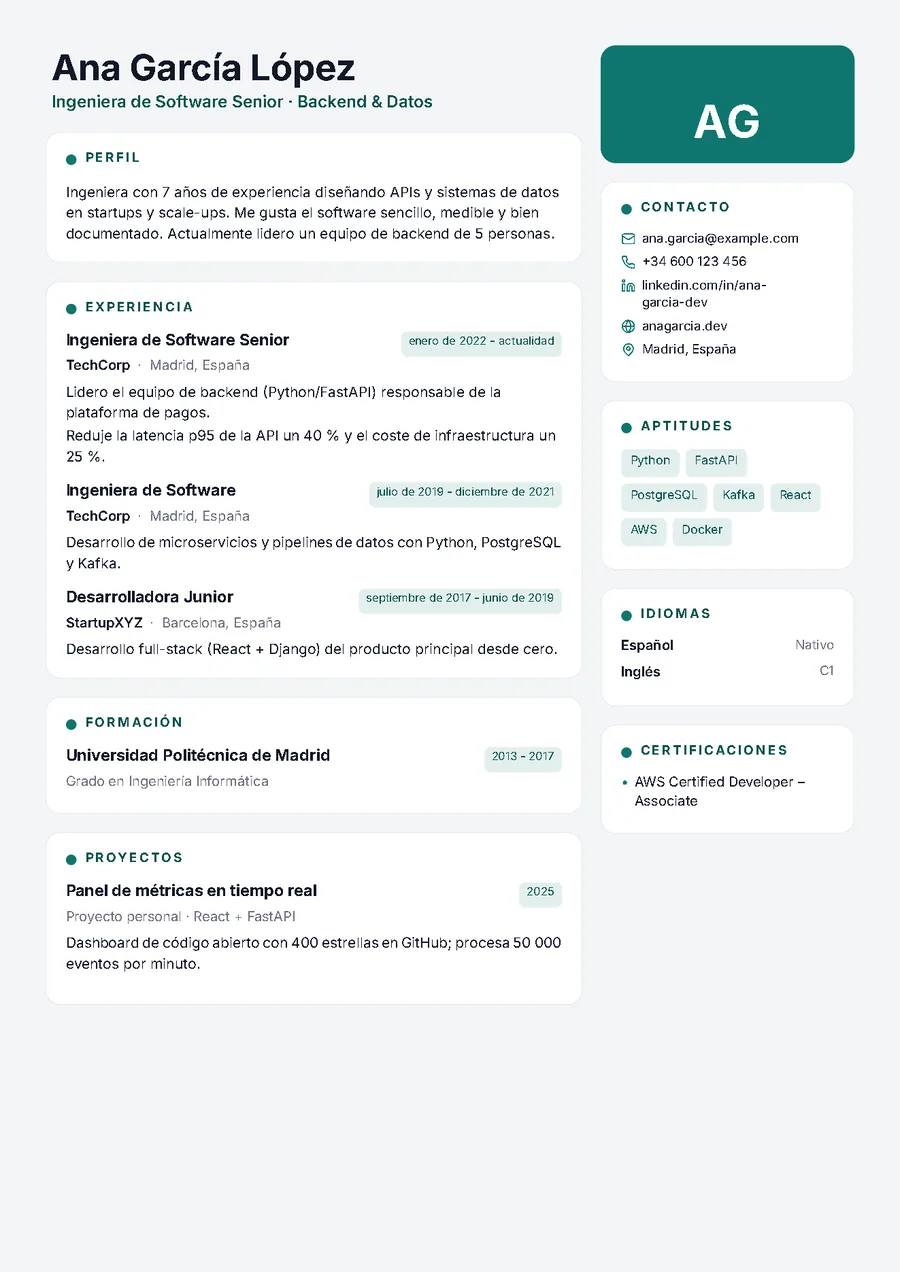
 Mosaico
ATS PhotoEvery section in a card on a light background, with monogram or photo. A modern dashboard feel.
Ideal for: Product, data, consulting and digital profiles; scannable at a glance.
 Use this template
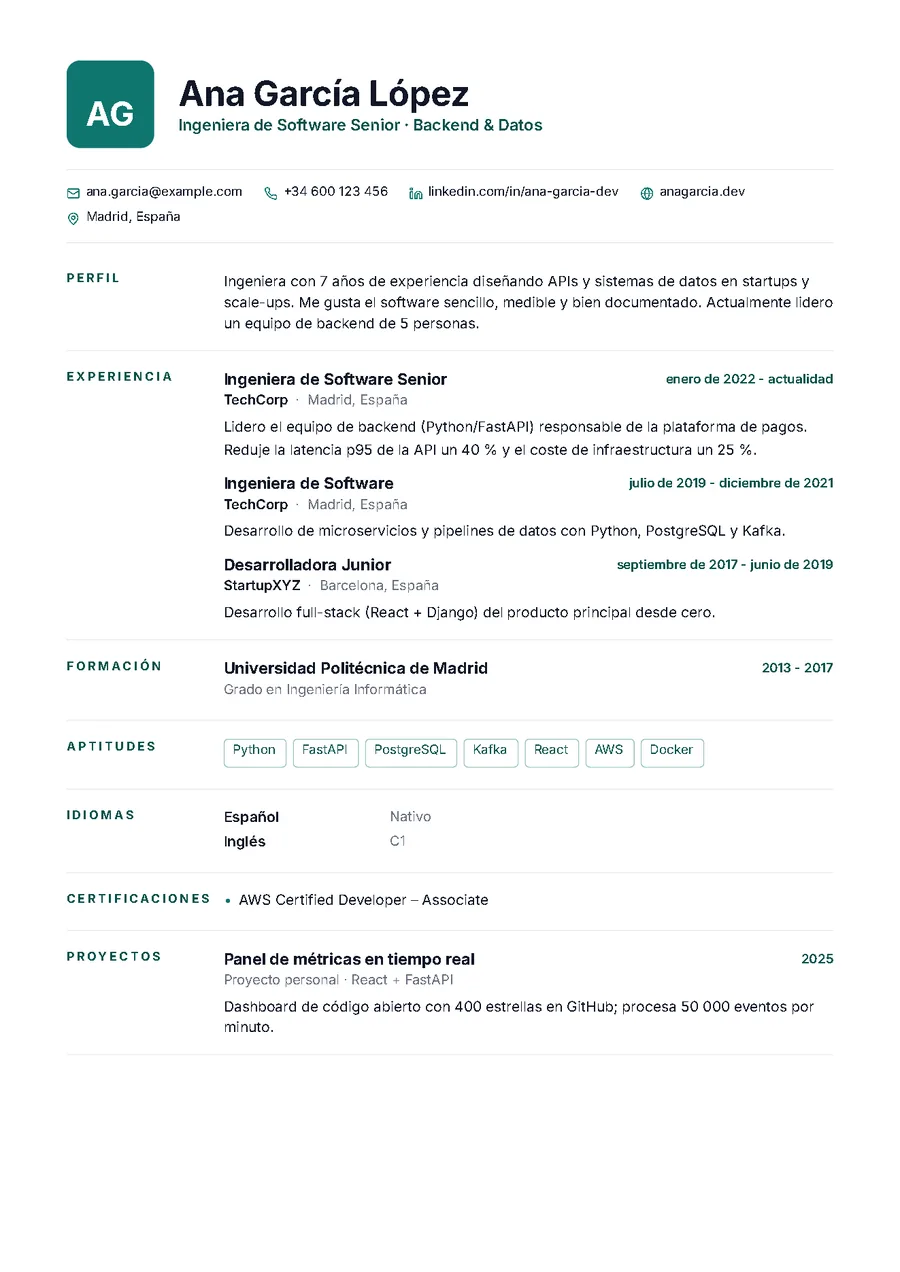
 Monograma
ATS PhotoInitials in a colour square and section titles in a label column. Sober and very tidy.
Ideal for: Management, finance, consulting and anyone who wants elegance without ornament.
 Use this template
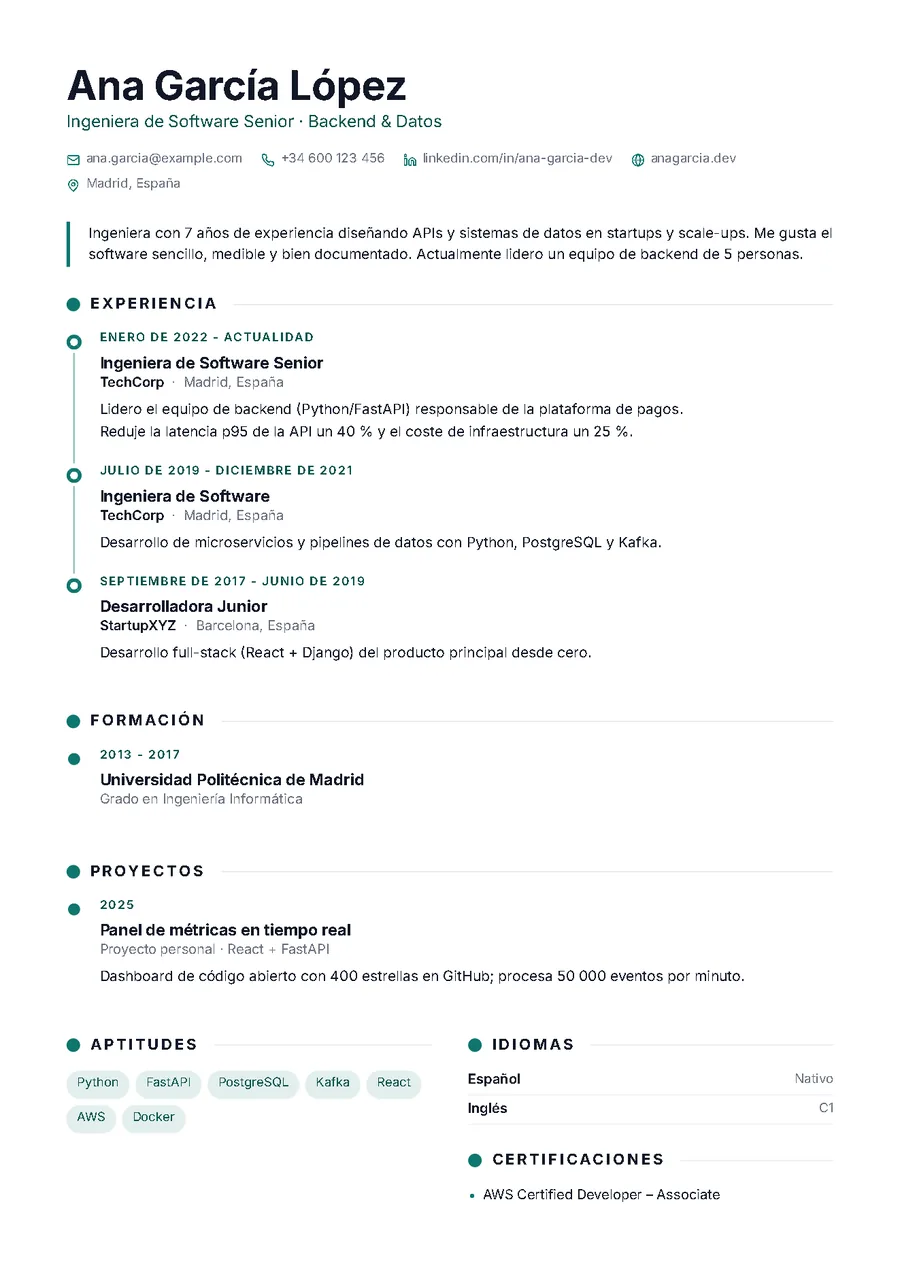
 Cronos
ATS PhotoVertical timeline with a dot per role and small-caps dates. Single column, very visual.
Ideal for: Careers with several stages told in order: sales, healthcare, trades, tech.
 Use this template
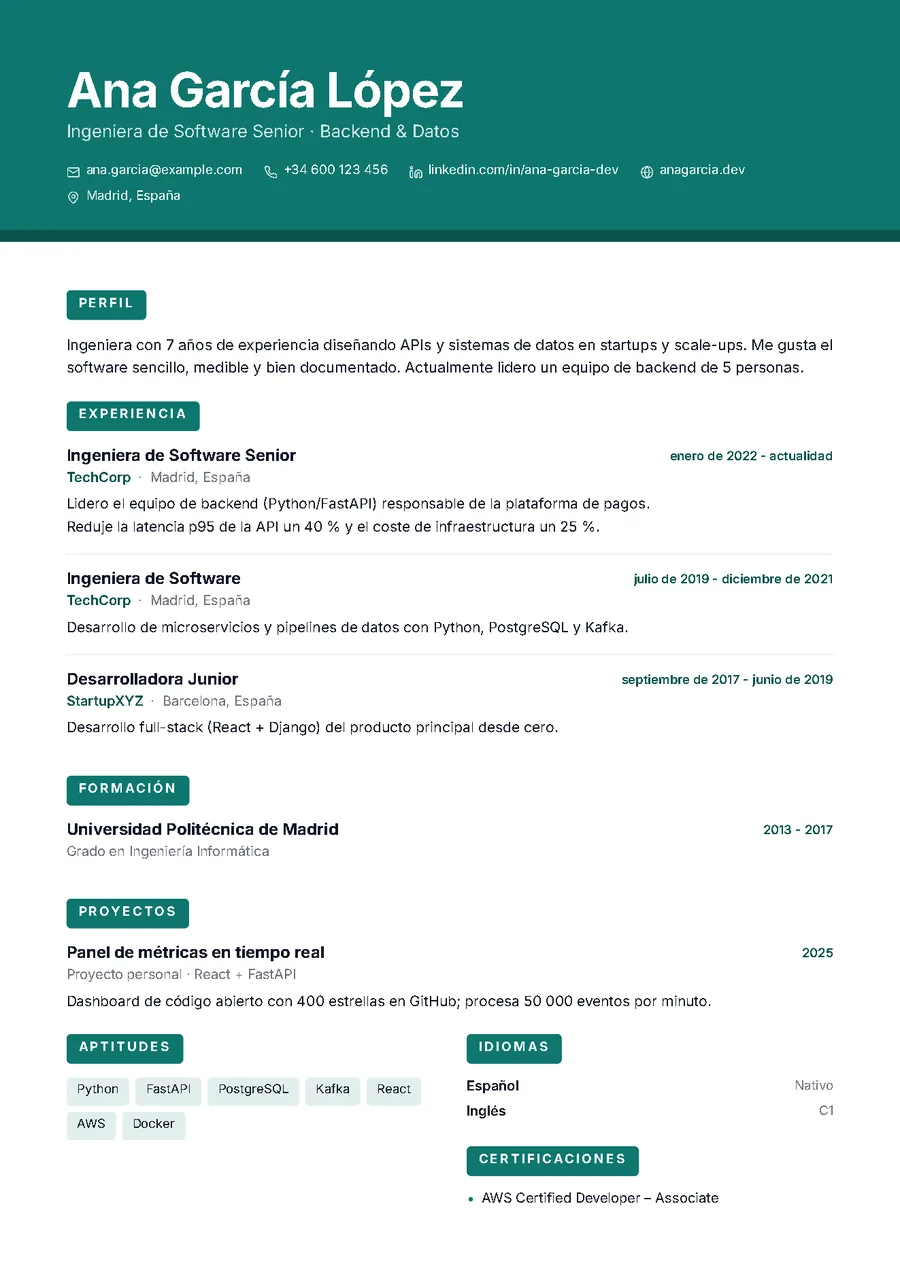
 Bloque
ATS PhotoFull-bleed colour header with a huge name and labelled sections. The one that stands out in a pile.
Ideal for: Customer service, hospitality, retail and junior profiles who want presence without losing ATS.
 Use this template
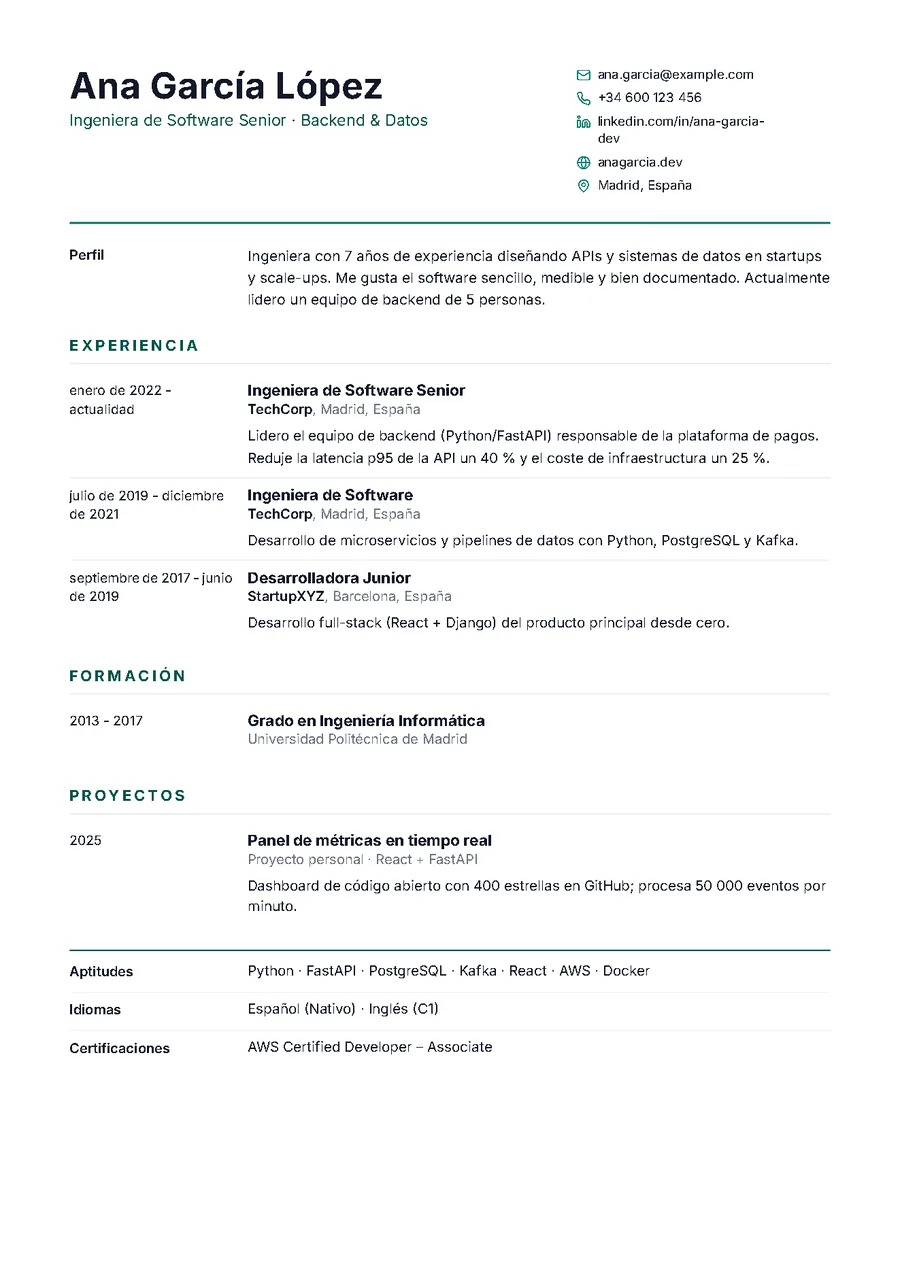
 Tabular
ATS PhotoDates in a narrow column, content on the right, thin rules: the German Lebenslauf.
Ideal for: Germany, Switzerland, Austria and companies that ask for a tabular format; also engineering and banking.
 Use this template
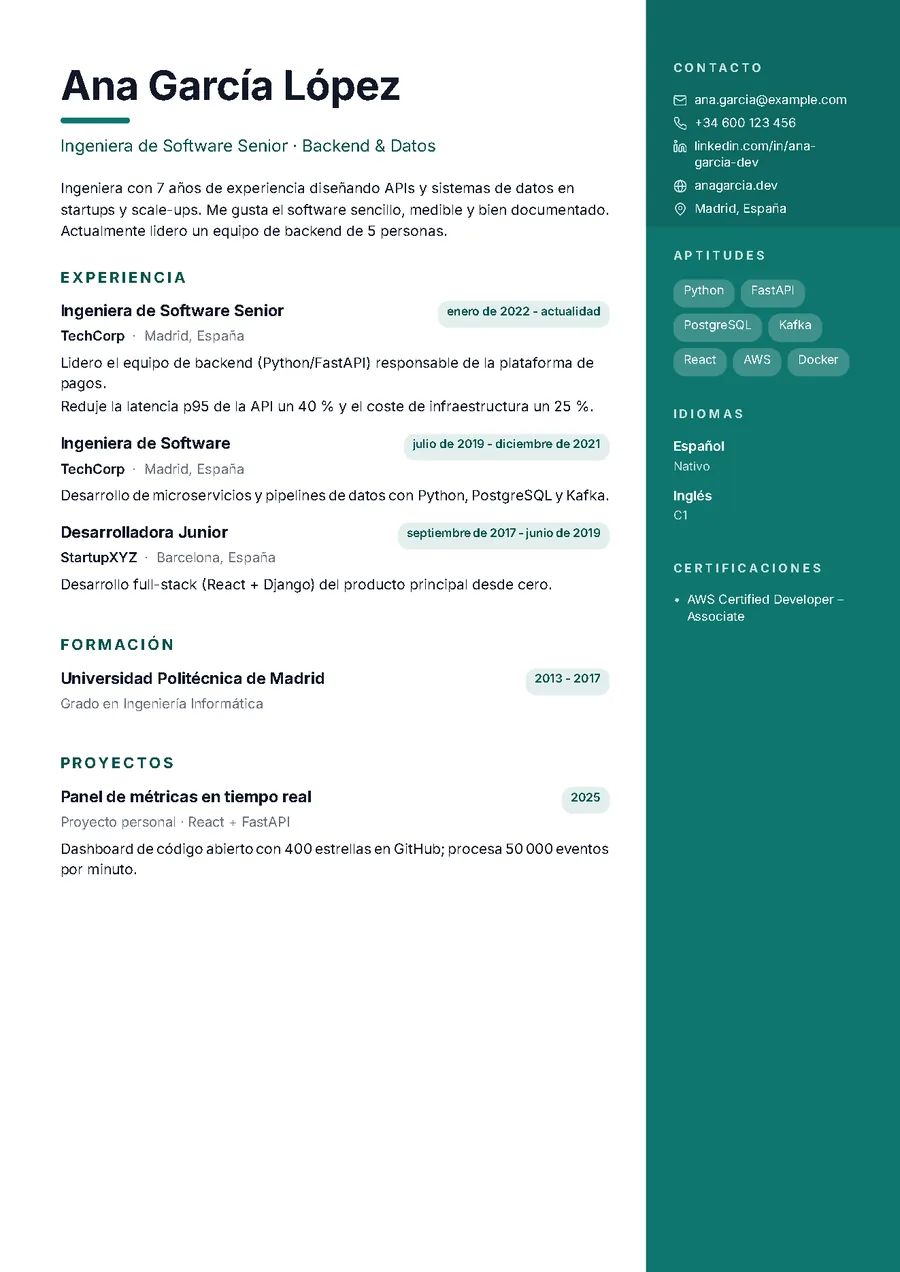
 Lateral
PhotoColour band on the right with photo, skills in capsules and languages; dates in pills.
Ideal for: Creative, sales and hospitality profiles when a person reads the CV.
 Use this template
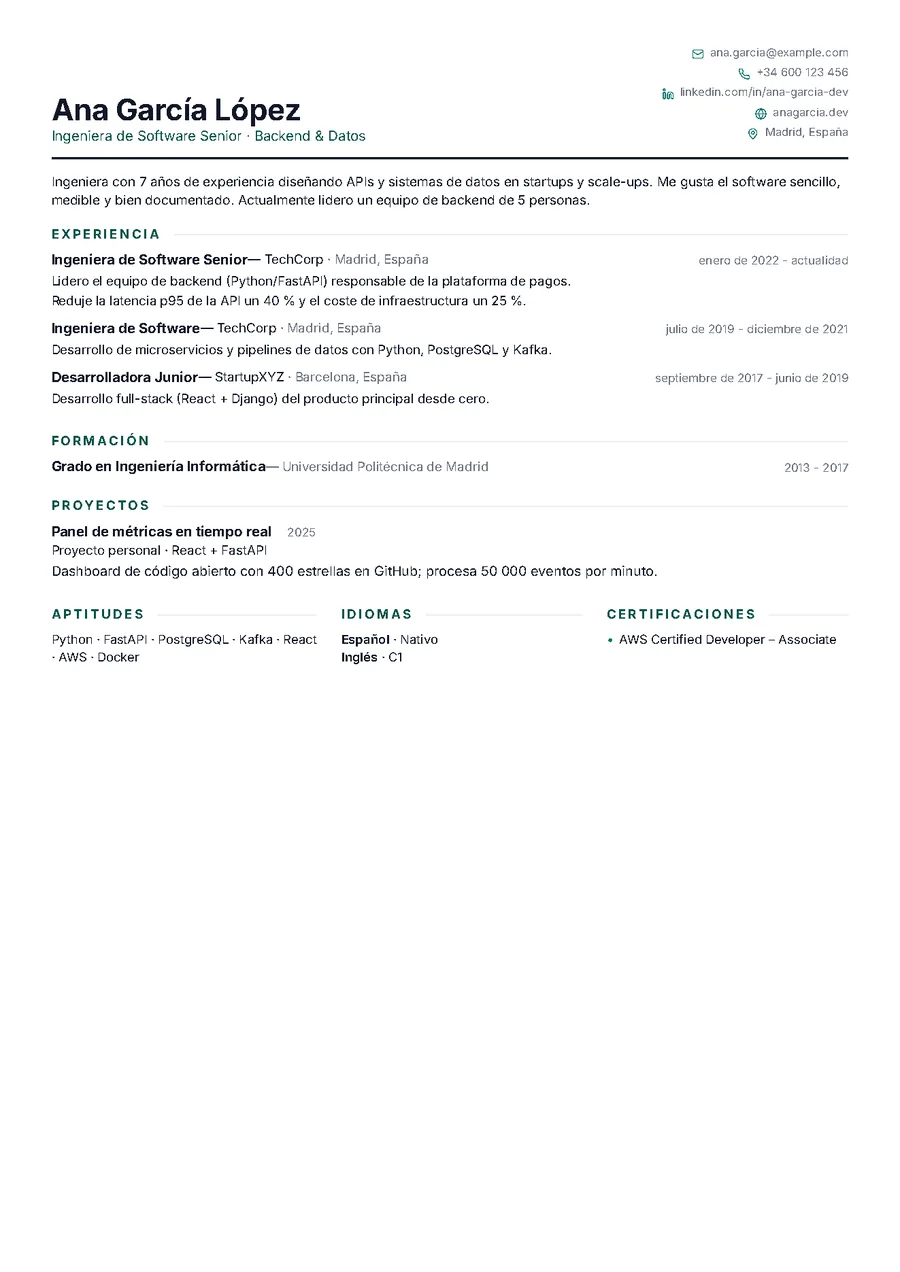
 Densa
ATSNarrow margins, one-line headers and skills as running text. Two pages in one.
Ideal for: Senior profiles with fifteen years of experience who want to stay within one or two pages.
 Use this template
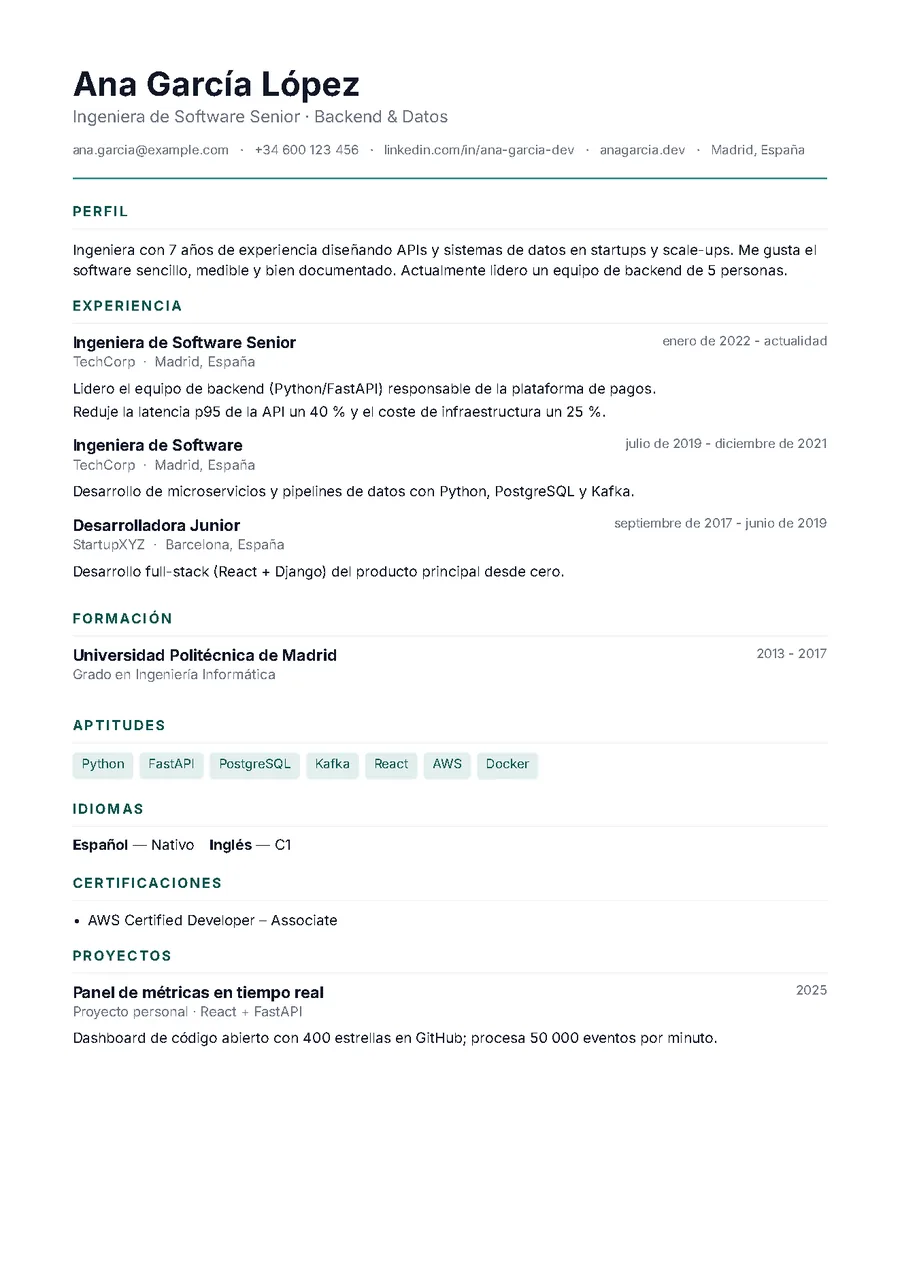
 Minimal
ATSOne column, sober and without photo. The safest for ATS.
Ideal for: Large job boards, consultancies and any automatic filter.
 Use this template
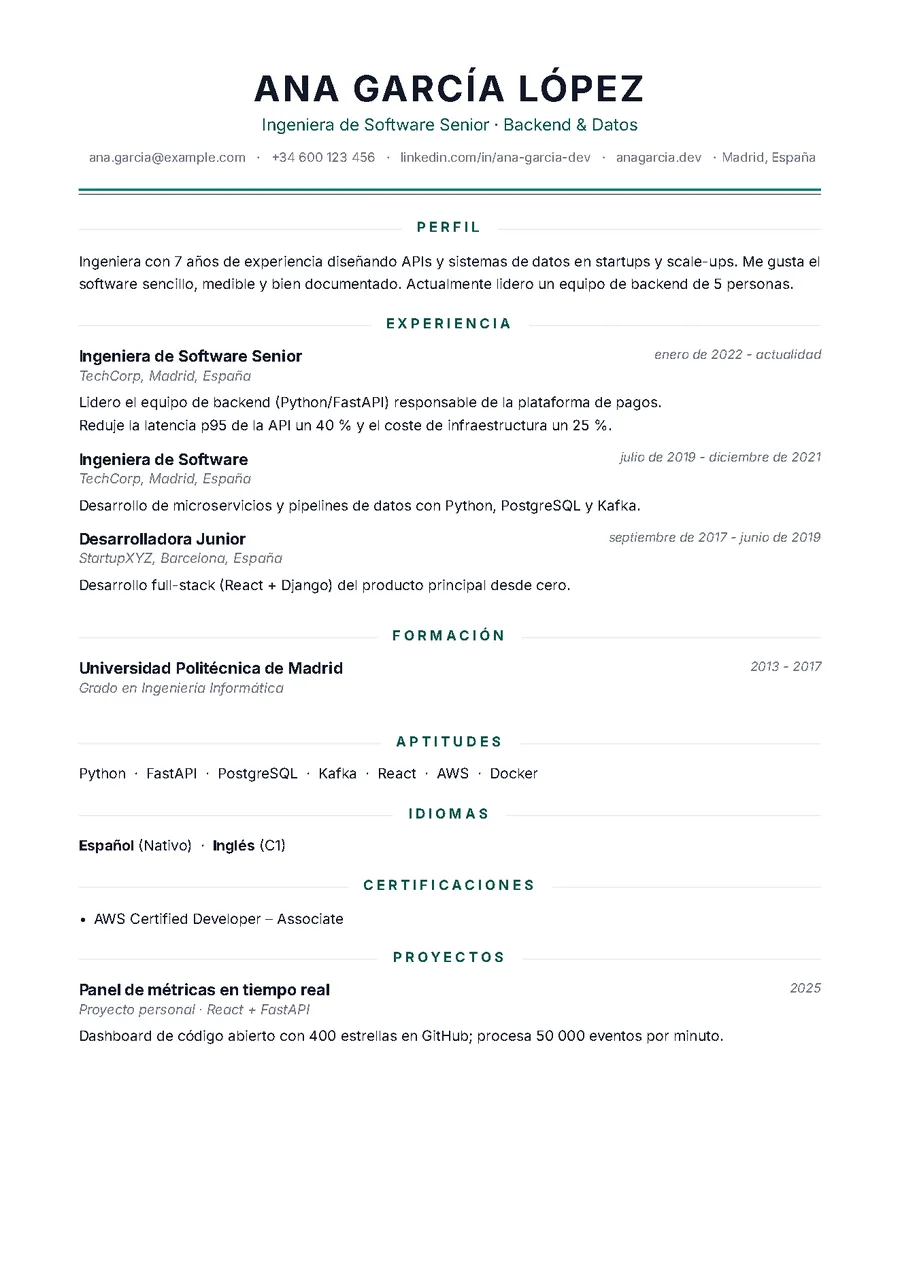
 Clásica
ATSCentered header, double rule and titles between lines. The classic CV, done well.
Ideal for: Public administration, banking, law and traditional sectors.
How to choose a template
If you're sending the resume through a job board or to a large company, pick a template with the green shield: applicant tracking systems will read it without trouble. Minimal and Clásica are the safest; Horizonte, Prisma and Atlas add design without losing readability.
If a person will read it (a speculative application, a referral, a small company), you can afford more character: Aurora, Editorial or Noir stand out without shouting.
If it doesn't fit on one page, try the “Compact” text size before cutting content; if you have room to spare, “Roomy” reads better. Sending it to the US, Mexico or Canada? Switch the paper to Letter.
Questions about the templates
What does “ATS-friendly” mean?
ATS (Applicant Tracking Systems) are the programs many companies and job boards use to read and filter resumes automatically. A friendly template uses real text (no images), no complex tables and sections in a natural order, so the program extracts name, experience, education and skills correctly.
Can I switch templates after filling in the resume?
Yes, at any time and without losing anything: content and design are independent. Change template, colour, font, text size or paper and the PDF regenerates instantly in your browser.
Are the templates really free?
All of them. No “premium” templates, no watermark, no download limit. No sign-up either.
Should I add a photo?
In Spain and much of Europe it's common; in the UK, US or Canada it's discouraged. Pick a template with the camera icon if you want a photo and one without it if you'd rather not.
Pick one and fill it in within a minute
Upload your LinkedIn PDF or start from scratch. No sign-up, no payment, no watermark.
Build my resume